
Peach Tradie – For the Tradesperson on the move
Tradespeople in the Building and Construction industries rely on their mobile phone for all things business. So whether your customer is on the roof, under the floor or under the hood, they can quickly search, get a price and place an order using their Smart Phone.
If you have trade customers that fit into this category, then simply send them a User Name and Pin Code and they’re up and ordering, they can even see pictures of the products if loaded. The next time they need supplies, simply log in and send you the business!
 Peach Tradie
From search to order on a Smart Phone
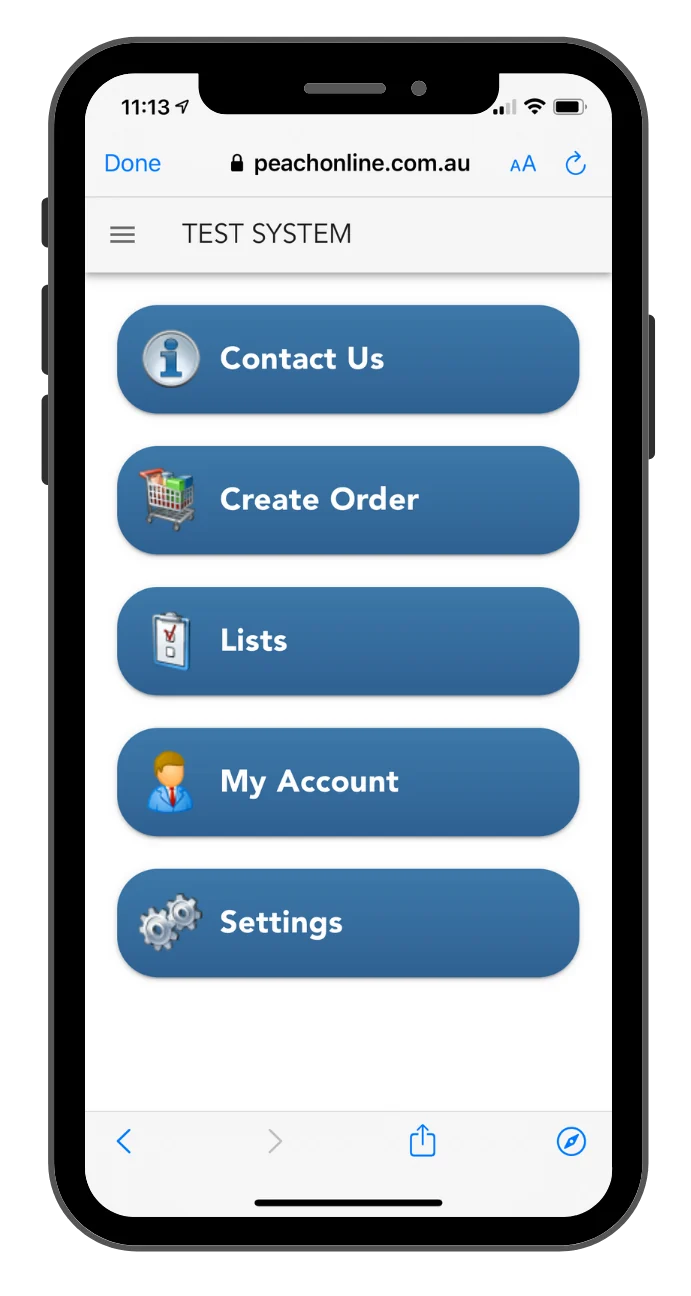
Choose Where you want to go
Contacts – Click to call or email the Supplier
Lists – Order from a Recommended parts list
or a list of prior purchases
Accounts – Check Your account status
Settings – Set your Email Address and search settings
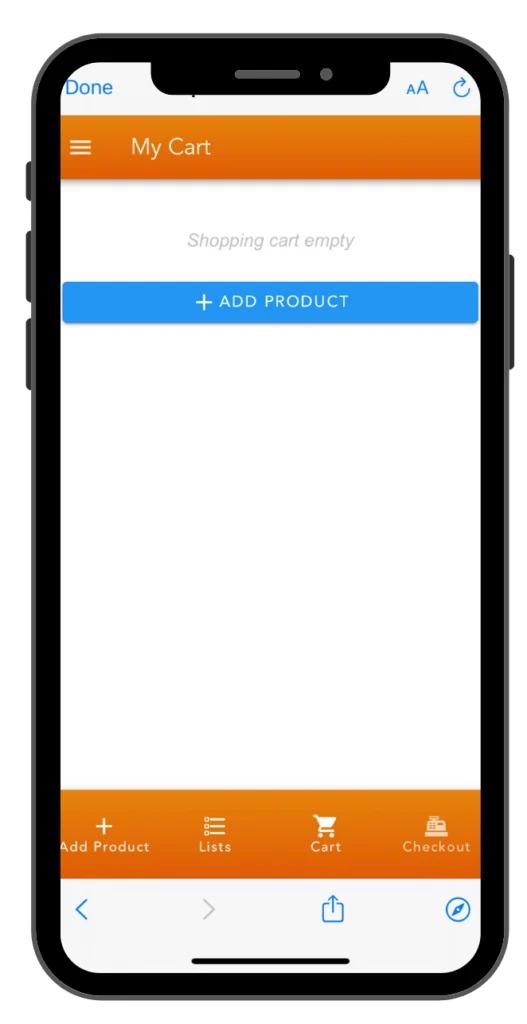
Start Searching and Adding Parts
Click add products to start your order.
Find Parts using the Description or by Categories.
You can also find parts from previous purchases.
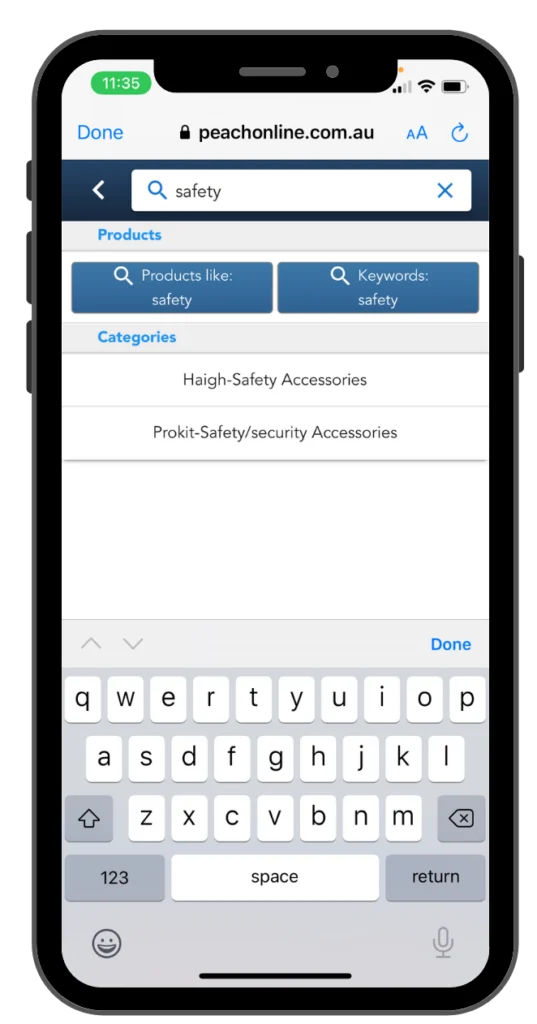
Search using Categories
Search “Safety” and the App offers up any categories with the word Safety in them, Parts with Safety in the description, and part numbers starting with the search string
Product searches are stored so they can be used again quickly
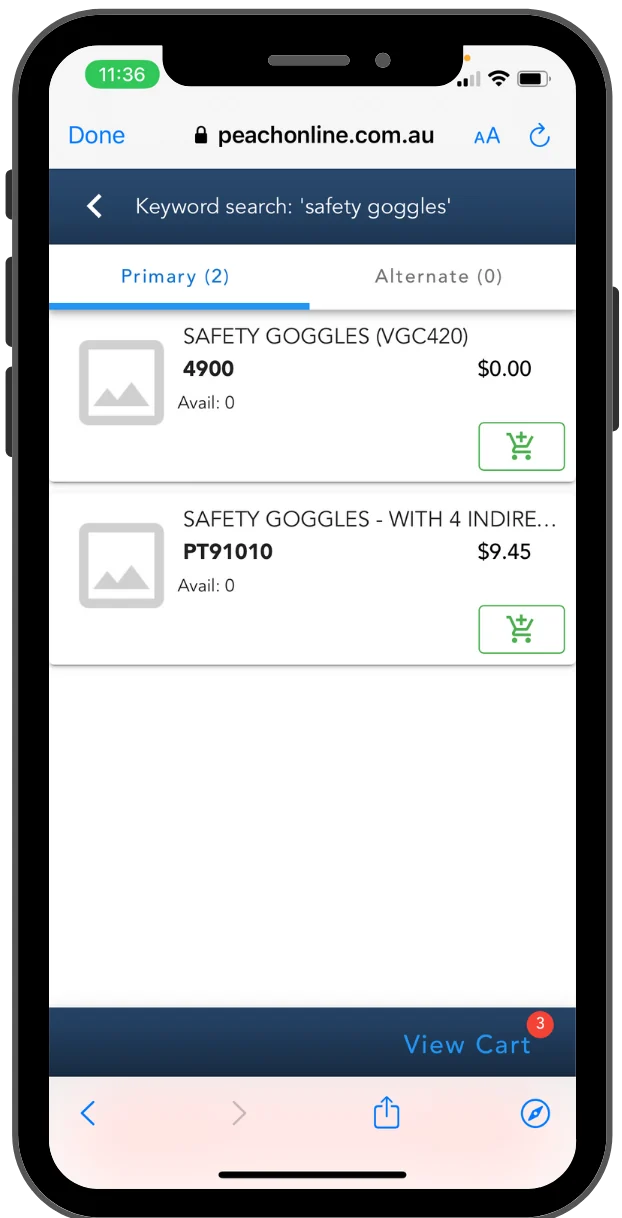
Or up to three Words from Description
Finding products using the description is so intuitive. An example would be Machine Screw SS and you’ll quickly get a list of all the Stainless Machine Screws. this search could be entered in any order
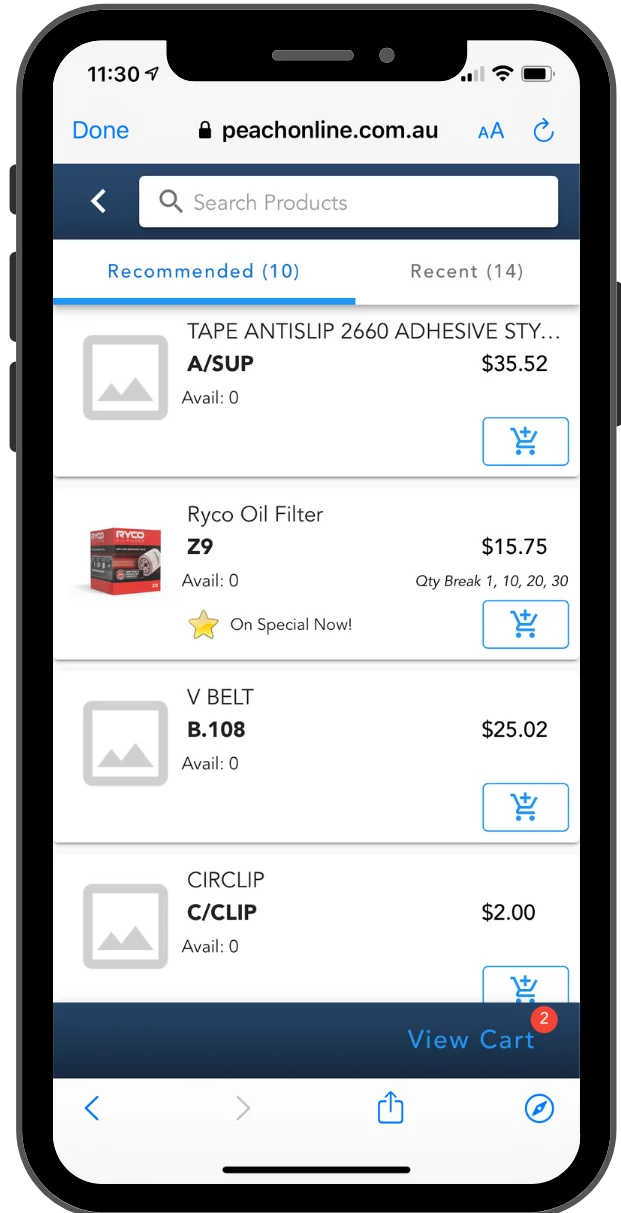
Choose from a list of recommendations
This list can be individualised for each of your customers. It could include their usual purchases and some suggestions of products you think they may be interested in. Maybe tack on a few Monthly Specials
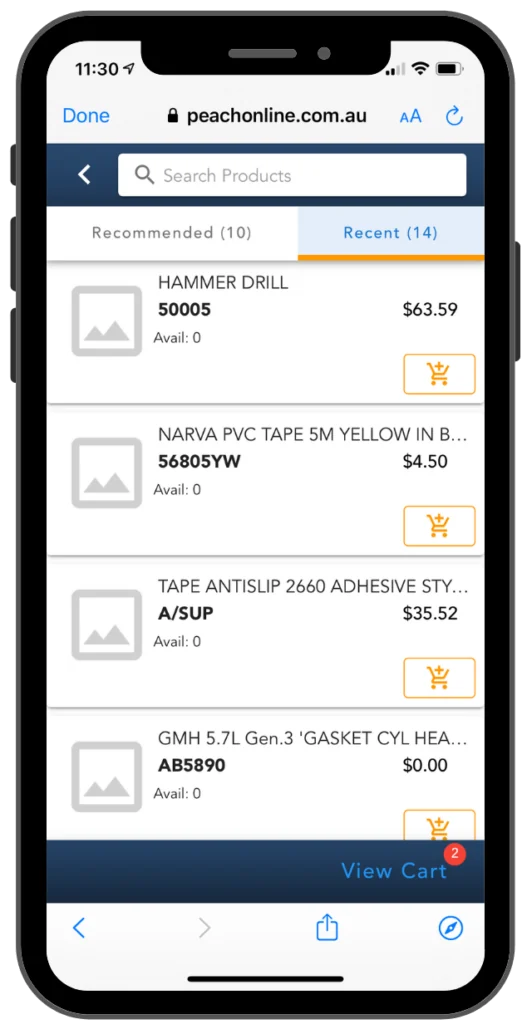
Search from a list Recent Purchases
Often your customer will find what they’re looking for in this list of the last 50 parts they ordered because they often run short of what they already bought off you. Anything to make the purchase easy to make.
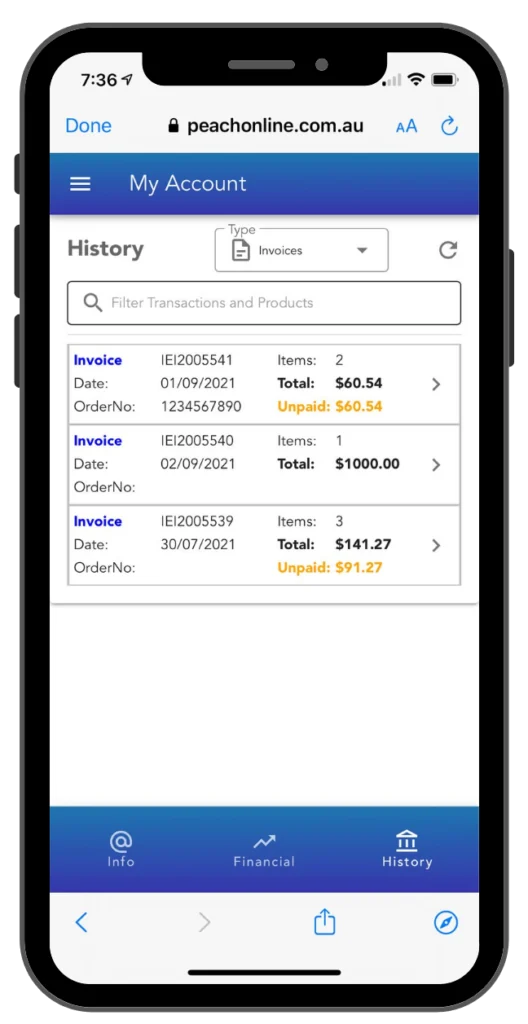
Prior Invoices from Account Tab
Great if your customer wants an invoice copy or to find out what was on a prior invoice. They can even search by transactions number or a product within the list of invoices. All the information at their finger tips.
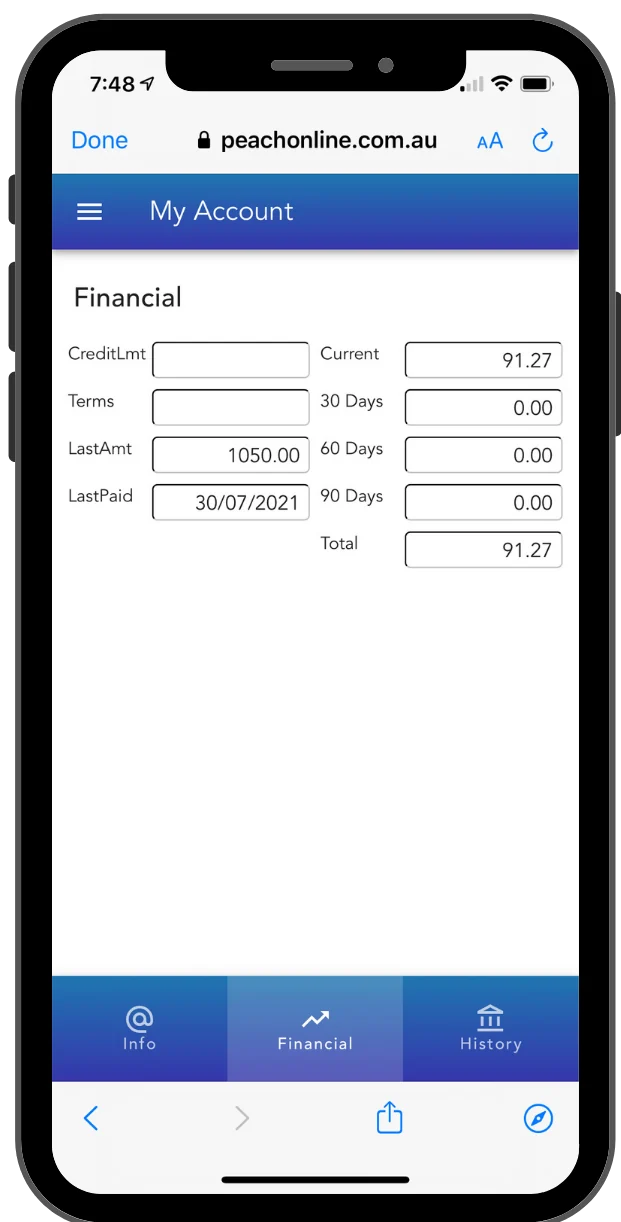
Account Summary from Accounts Tab
Your customer will have all the details in their pocket. From now on they can see their balance and the invoices that make up that balance. Keeping your customer fully informed builds a responsive relationship.
Call and get connected Now!
Talk to our Australian team about your business, or send us an enquiry and we will get back to you.